
Best practices, Deliverability
Best practices, Deliverability
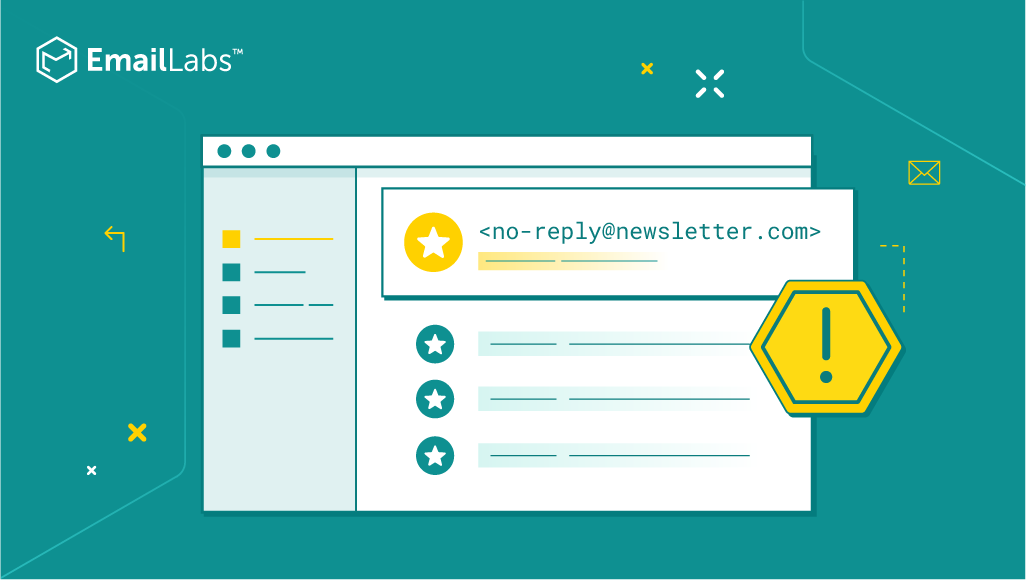
For many businesses, sending emails is an important part of communicating with customers and prospects at every step of the customer journey. When creating an email address for your email marketing campaigns, you may be tempted to use [email protected], thinking that it would be a good way to avoid getting flooded with responses to your emails.
However, you should be aware that communication is about having a dialogue, listening, and exchanging messages. Not only do users naturally expect to be able to reply to an email, but this practice is also viewed negatively by some email service providers and eventually decreases deliverability rates.
This makes no-replay addresses a less-than-ideal choice for business emails, and this is exactly why it is not recommended to use “no-reply” email addresses as the sender of the message.
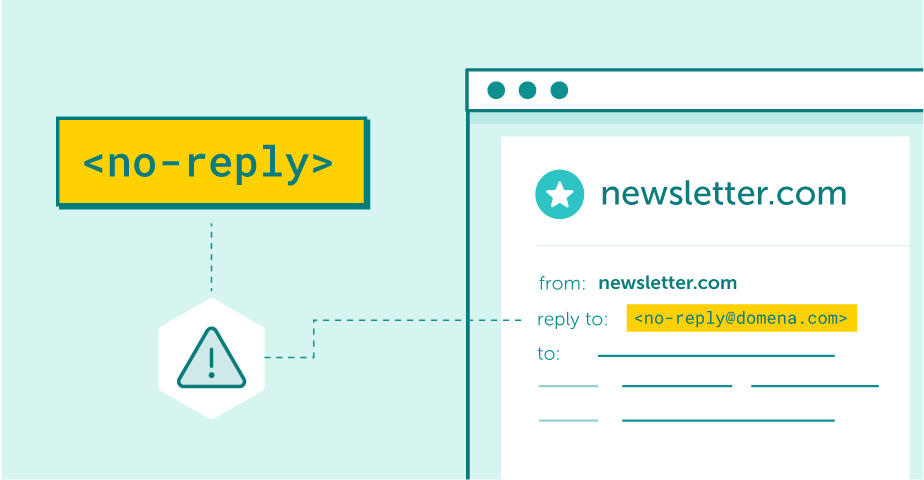
Noreply email address create a poor customer experience
Join us as we explore this issue in greater detail – only then will you be able to ensure your marketing efforts don’t frustrate customers.
Maximize your email deliverability and security with EmailLabs!
There are several important considerations why we should not use a no-reply email address:
Email communication is, by definition, two-way, so a desirable attitude is one where the brand not only speaks but listens to its customers.
When you use a “no-reply” address for your marketing emails, the message looks like it’s coming from a faceless entity that doesn’t want to hear from them. In such a case, recipients might as well mark it as spam.
When an email is marked as spam, it not only affects the deliverability of that particular message but can also lead to future emails from the same sender being automatically added to a junk folder. This is because most spam filters work by analyzing not only the content of an email but also the behavior of the sender.
A mailbox provider may also blacklist “no-reply” email addresses, which means that any messages sent from those addresses will be automatically blocked. This, of course, will further harm your deliverability rates, which is something you definitely want to avoid.
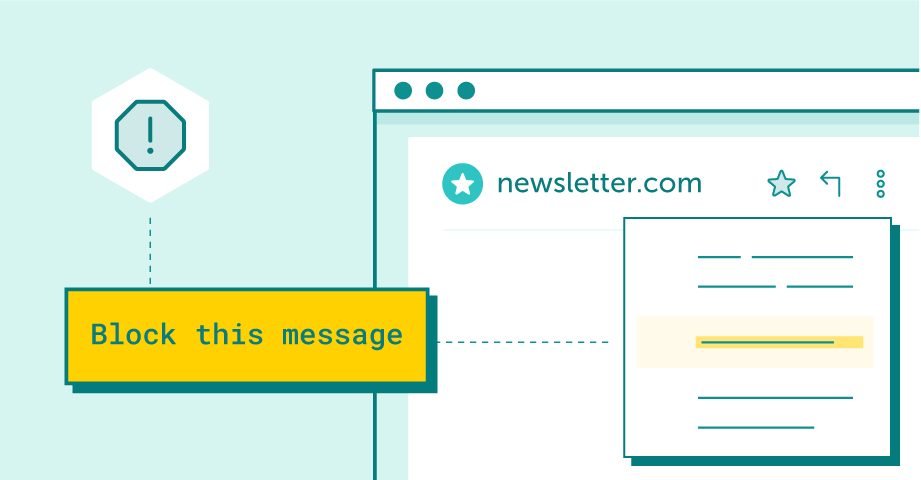
When you block a sender, messages they send will go to your Spam folder
The whole idea of using email marketing is to reach as many people as possible with your message, so it makes sense that you want your emails to actually reach the inboxes of your recipients.
Unfortunately, that’s not always easy to achieve. Email deliverability is a complex issue, and there are many factors that can influence whether or not a message will be delivered. A sender’s address is one of the contributing factors, and using a no-reply email may reduce the deliverability of emails.
This is especially seen for global email providers such as Gmail, Yahoo, and Hotmail. They evaluate a sender’s reputation based on the responsiveness of users to messages received, i.e. clicks, redirects to other tabs, and email responses.
Do you not allow a reply? The quality of your email communication drops significantly in the eyes of providers then. If you prevent recipients from contacting you and the CTR of your messages is low, you run the risk of decreasing the deliverability and conversion of subsequent email campaigns.
Over the last few years, we have also observed cases of messages from no-reply addresses being marked as spam by some mailbox providers, especially local ones. It is dictated by the use of less advanced anti-spam filters, which, based on simple rules, block the acceptance of emails, automatically assuming that such correspondence is not desired by the recipient.
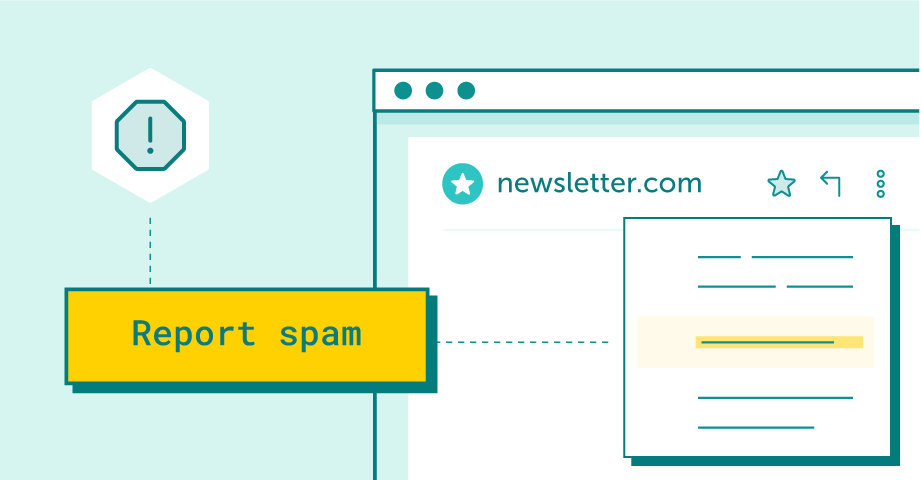
“Blacklisting” is the process of manually marking an email sender as spam.
When an email doesn’t get delivered, it doesn’t matter how well-crafted or relevant your message is – it will never reach its intended recipient. This is why it’s important to use an email address that will maximize the chances of deliverability, and a “no-reply” address is definitely not the best choice in that regard.
Being able to reply to a message is required for effective information flow. This is particularly important for transactional emails, such as order confirmation or shipping notifications, where customers might have questions or need assistance.
Imagine a situation in which a customer has a complaint about the service and processing of a purchase in an online shop. They do not grab the phone to call the hotline but describe the case a few days later when they are asked to give a rating in a separate email.
By not allowing customers to reply to email address, we cut off our way of receiving valuable feedback.
Worse still, in this situation, customers, unable to vent their dissatisfaction in an email reply, will give negative feedback to the shop a few days later when receiving automated responses asking to evaluate the performance of their orders in another email.
The use of a noreply@domain.com says a lot about your brand.
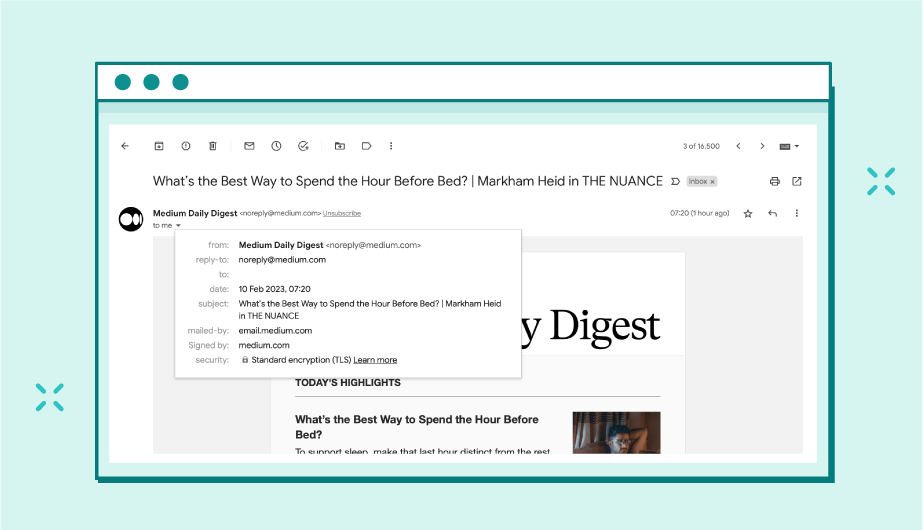
Using noreply addresses a less-than-ideal choice for business emails.
It’s important to understand that people generally like to feel like they are being heard. When they see a no-reply email address, they may feel like their concerns or questions will go unaddressed. It also conveys the message that you’re not interested in hearing from them or that you don’t care about customer feedback.
All this may result in poor customer experience, making them discouraged from further cooperation – and that’s not the best way to build strong customer relationships.
Besides, even though an unsubscribe link is available in emails, which is usually inserted at the very end of a long message, some users choose the easiest solution, i.e. informing about the wish to unsubscribe from the list by clicking on the Reply button.

This is because users are accustomed to the system functions of the mail they use; therefore, if the “reply” option does not work, they are very likely to mark emails as spam, which could hurt our reputation as a sender and thus impair the deliverability of our subsequent messages.
If your customers have a strict email filtering system in place, your messages sent from a no-reply email address may never reach their inboxes. However, by adding an address to the Whitelist or contact list, they send a signal that messages from this sender should not be evaluated by spam filters.
Therefore, conducting communication from a “no-reply” address and thus not being able to add such an address to the whitelists may also result in lower deliverability.
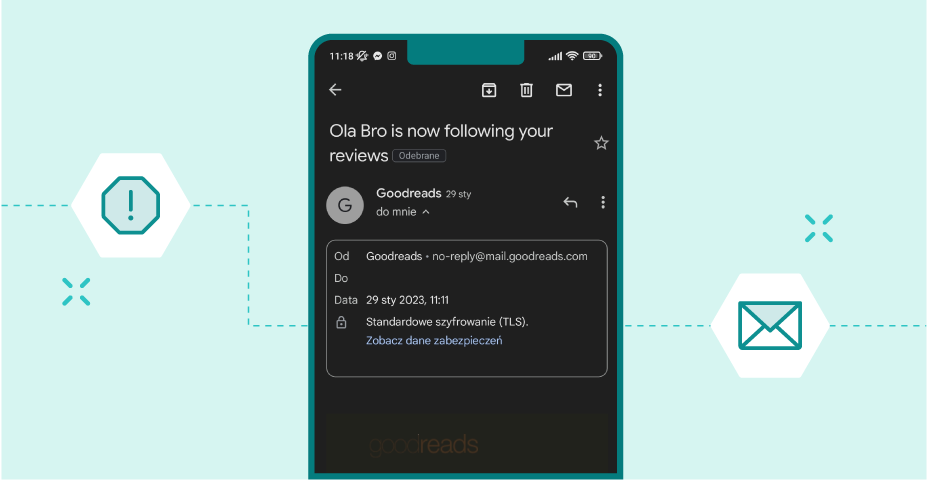
Transaction mail received from a “no-reply” address, with no way to respond.
Maximize your email deliverability and security with EmailLabs!
So, what’s the best way to ensure that your emails are actually delivered and that you can collect feedback and answer customer questions effectively? The answer is simple – set up a dedicated email address that will encourage replies.
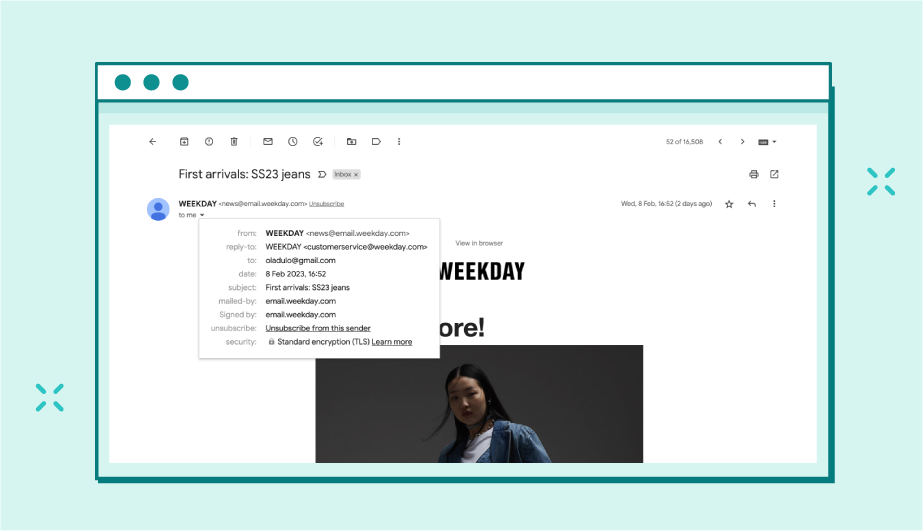
Instead of using a no-reply email address, use a real email that belongs to a real person. This will show your recipients that there is a human being behind the message and add a personal touch to your communication strategy.
Of course, you don’t have to use your personal email address. If you’re a small business, you might not have a generic support email address yet, but you can create one for general inquiries or even set up an auto-responder that will handle customer requests.
Are you concerned that you will be flooded with irrelevant emails by allowing users to respond?
There are ways to have an effective dialogue with your subscribers while not being bombarded by thousands of autoresponder replies and “out of office” notifications in the case of a large marketing campaigns.
For such mailings, it is useful to sort the automated responses (autoresponders, replies from the server in case of incorrect addresses, etc.) in advance – many comprehensive mailing services allow you to manage the responses directly from the system.
Conducting email correspondence from a no-reply address can affect how your customers perceive your brand, suggesting to them that their voice is not important to us. What’s more, it also affects the delivery rates of your marketing emails.
In times when providers like Gmail and Yahoo support two-way communication, measure the engagement of our recipients and classify messages according to these metrics, it’s worth remembering that it does not just click that matters but whether recipients respond to our emails.
So, let’s not make it harder for them to get in touch, if not for the sake of a “good impression,“, then for the deliverability of our emails, as it can simply be more profitable.
Do you have questions? Contact our team.

We are a group of specialists involved in developing substantive and engaging articles on emails and their deliverability. Our value is to be part of the team that creates the EmailLabs service on a daily basis, making our content fully responsive to our audience's questions and problems. Do you have any questions? We look forward to hearing from you :)
See more articles
We live in a world where your customers switch seamlessly between laptops, smartphones, and tablets. They navigate a complex digital ecosystem – checking emails, using mobile apps, and reacting...

We are delighted to announce that Vercom S.A., the company behind the EmailLabs project, has successfully completed the ISO 22301 certification process. This significant achievement underscores our commitment to...

EmailLabs, as part of the Vercom group, proudly announces its full commitment to aligning its ICT services with the latest cybersecurity standards. In response to dynamically changing regulations, the...

We are pleased to announce that MessageFlow, a product from the Vercom S.A. group, has received the prestigious CSA (Certified Senders Alliance) Certification. This recognition not only underscores the...
Compliance & Security, Email Marketing, Security
TL;DR DMARCbis is now official: After years of work by the IETF working group, the DMARC specification has been formally updated. Three new documents, RFC 9989, RFC 9990, and...
Email Marketing, Gmail, New feature
TL;DR Gmail Live: a new feature enabling natural language voice search in the inbox, powered by the Gemini model. AI Inbox and AI Overviews: a revamped inbox interface featuring...
Best practices, Best practices, Email Authentication
TL;DR: Strategic Takeaways for C-Level and Marketing Leaders DKIM2 is not a minor DNS configuration update. It is a systemic response to two critical business problems: Replay attacks: scenarios...
Compliance & Security, Email Marketing, Security
TL;DR DMARCbis is now official: After years of work by the IETF working group, the DMARC specification has been formally updated. Three new documents, RFC 9989, RFC 9990, and...
Email Marketing, Gmail, New feature
TL;DR Gmail Live: a new feature enabling natural language voice search in the inbox, powered by the Gemini model. AI Inbox and AI Overviews: a revamped inbox interface featuring...
Best practices, Best practices, Email Authentication
TL;DR: Strategic Takeaways for C-Level and Marketing Leaders DKIM2 is not a minor DNS configuration update. It is a systemic response to two critical business problems: Replay attacks: scenarios...

AI, Antispam, Best practices, Deliverability
C-Level TL;DR: Strategic Takeaways Recipient consent as a foundation (Item 0): Sending email messages without explicit recipient consent (opt-in) poses a significant risk to your sending infrastructure. Attempting to...

AI, Antispam, Best practices, Deliverability
Executive TL;DR: Strategic Takeaways Deliverability Schism: The growing divide between sales automation technologies and the security standards enforced by major global mailbox providers (collectively referred to as MAGY) is...

Modern email systems no longer treat the primary inbox as the default destination for every message. The final classification of an email is the result of a multistage evaluation...

Best practices, Maile marketingowe, Marketing E-mails, Transactional Emails
Mass email sending is a critical strategy for business owners, marketers, developers, and nonprofit managers looking to scale their outreach. Whether you are announcing a new product feature, distributing...

Best practices, Marketing E-mails
Customer feedback is the fuel for business growth, but gathering it effectively requires more than just a list of questions. Survey emails remain the most direct channel for understanding...

Best practices, Email Marketing, Pytania i odpowiedzi
Mail merge combines a template document with data to create personalized communications. This technique saves time by automatically generating individualized letters, emails, and labels without manual entry. What Is...

